Folders
Build views by label, era or DJ use.
DISQ01
My Folders
Access your folders and their content.
All
438 records
438›
Uncategorized
352 records
352›
For the love of records
Identify your records, compare Discogs pressings and keep track of every copy. From the record shop to your shelf.
AI Scan
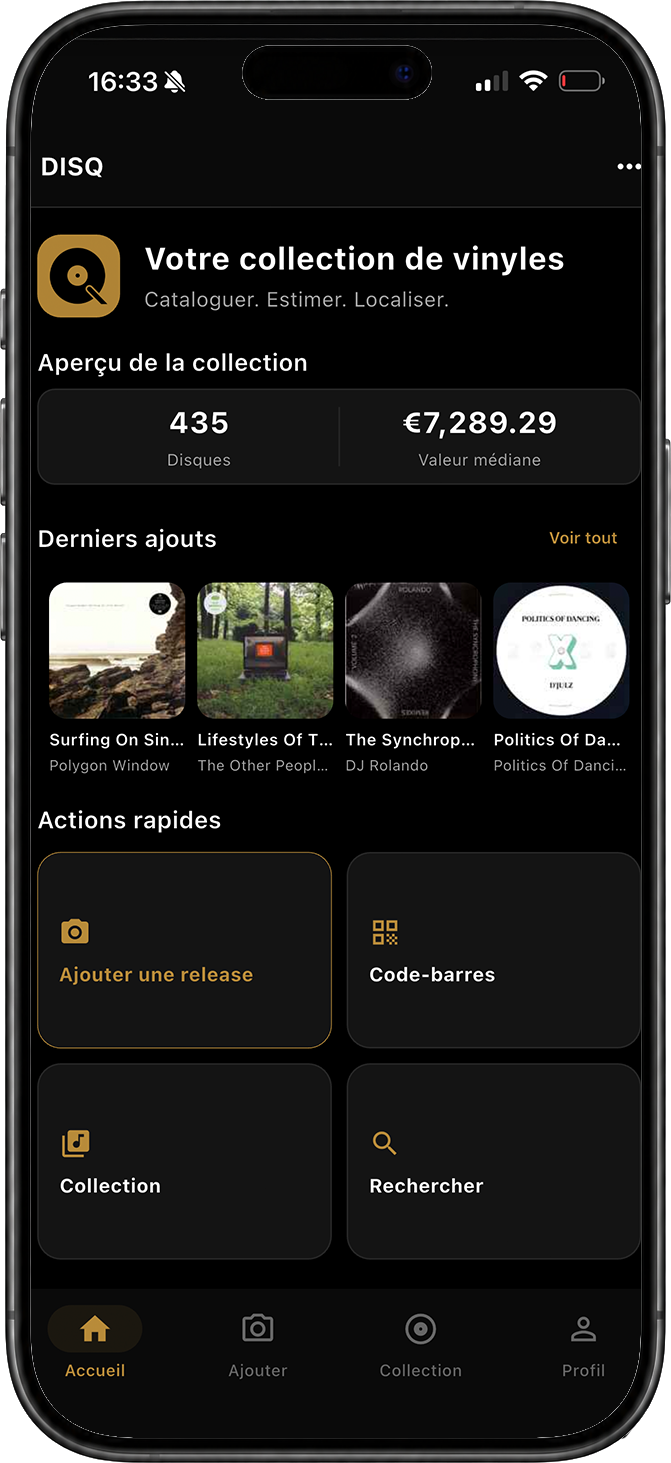
A sleeve or barcode is a starting point. DISQ suggests Discogs matches to compare by country, year, label, catalog number and runout. You confirm the copy in your hands. If it is already in your collection, DISQ tells you as soon as you scan.
No match? Add your record manually and fill in its details.
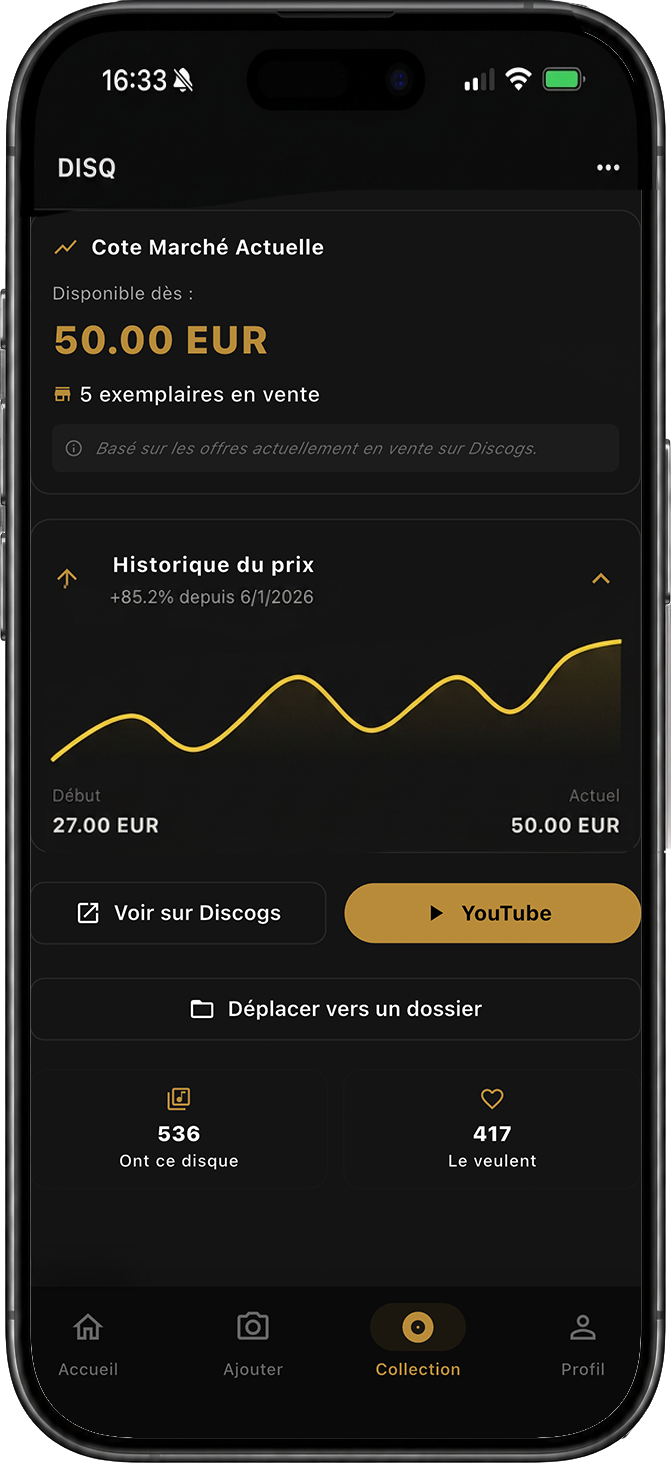
Market value
Explore available Discogs prices and an estimate of your collection’s value. Pressing and condition matter: an asking price does not guarantee what your copy will sell for.
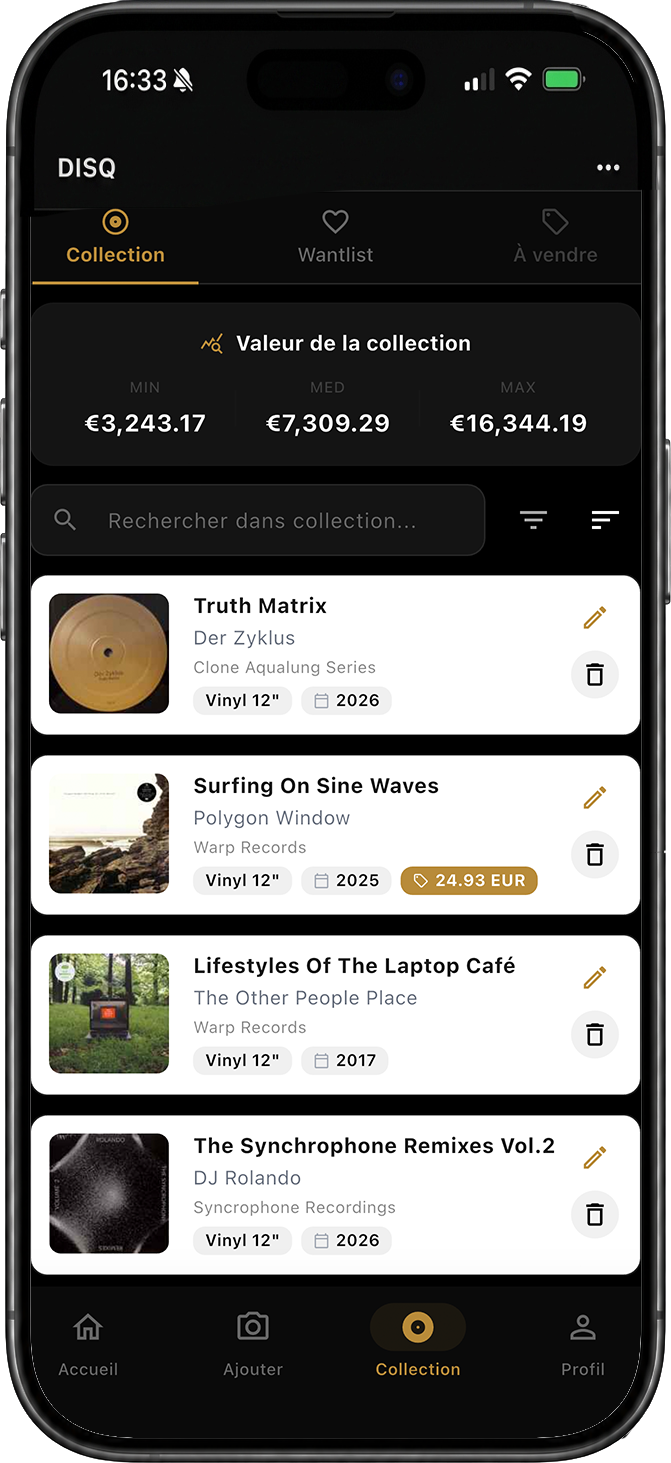
Copy curation
Folders, media and sleeve condition, personal notes and your wantlist: keep the details that make your collection yours.
Build views by label, era or DJ use.
Record media and sleeve condition, then add your notes.
Keep target pressings close to the scanner.
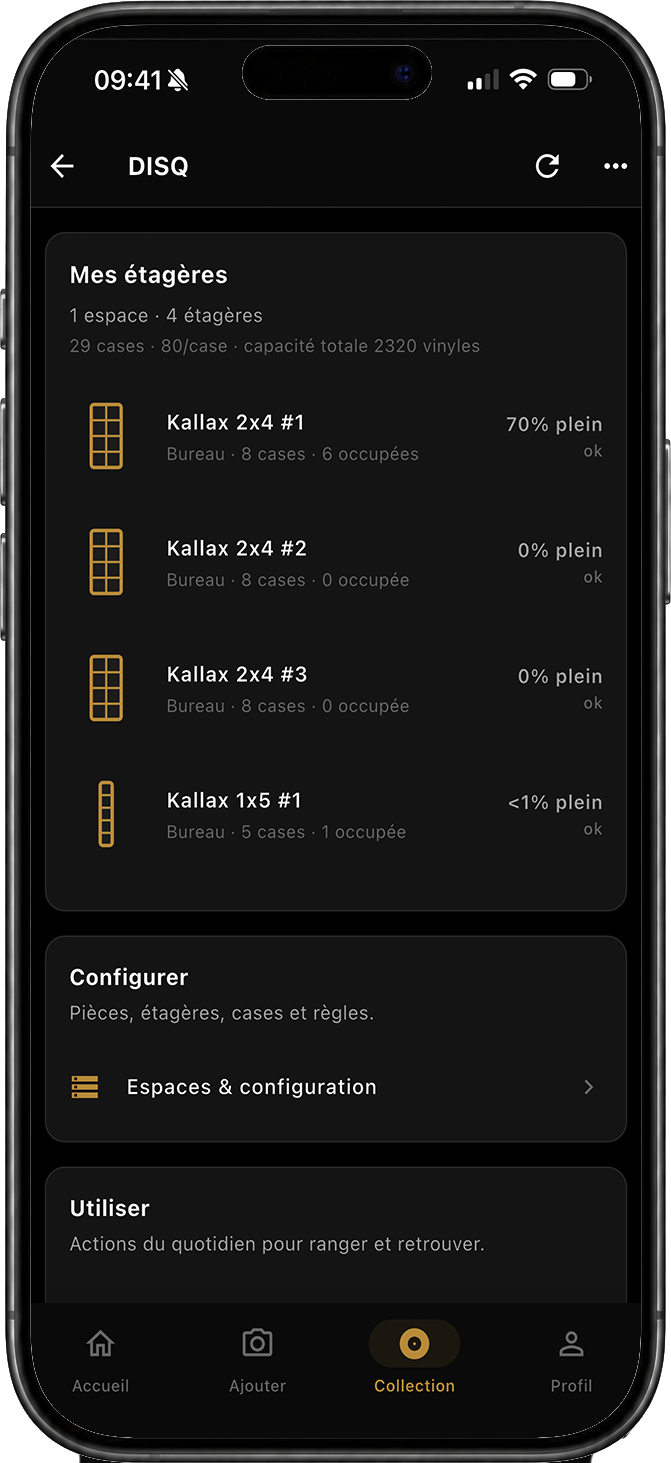
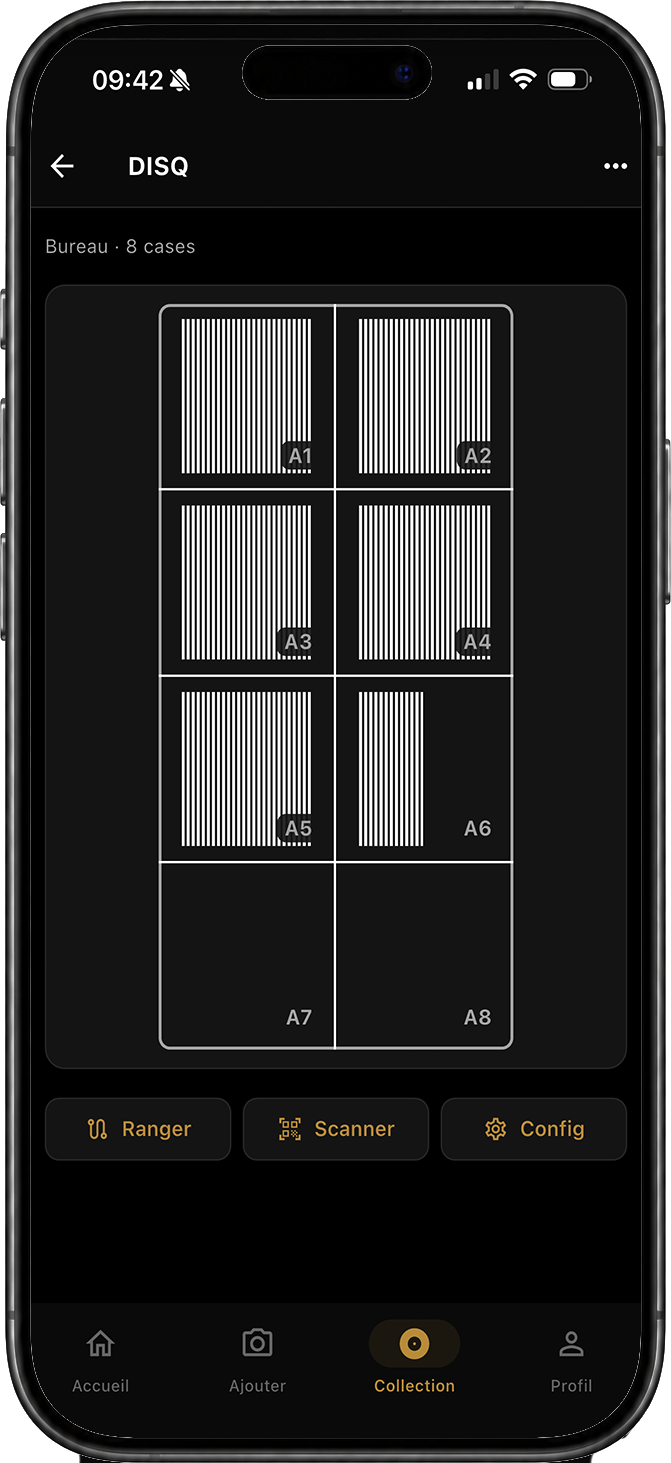
Storage
Organize your rooms, shelves and slots. Assign records to their location and see how much space is in use.
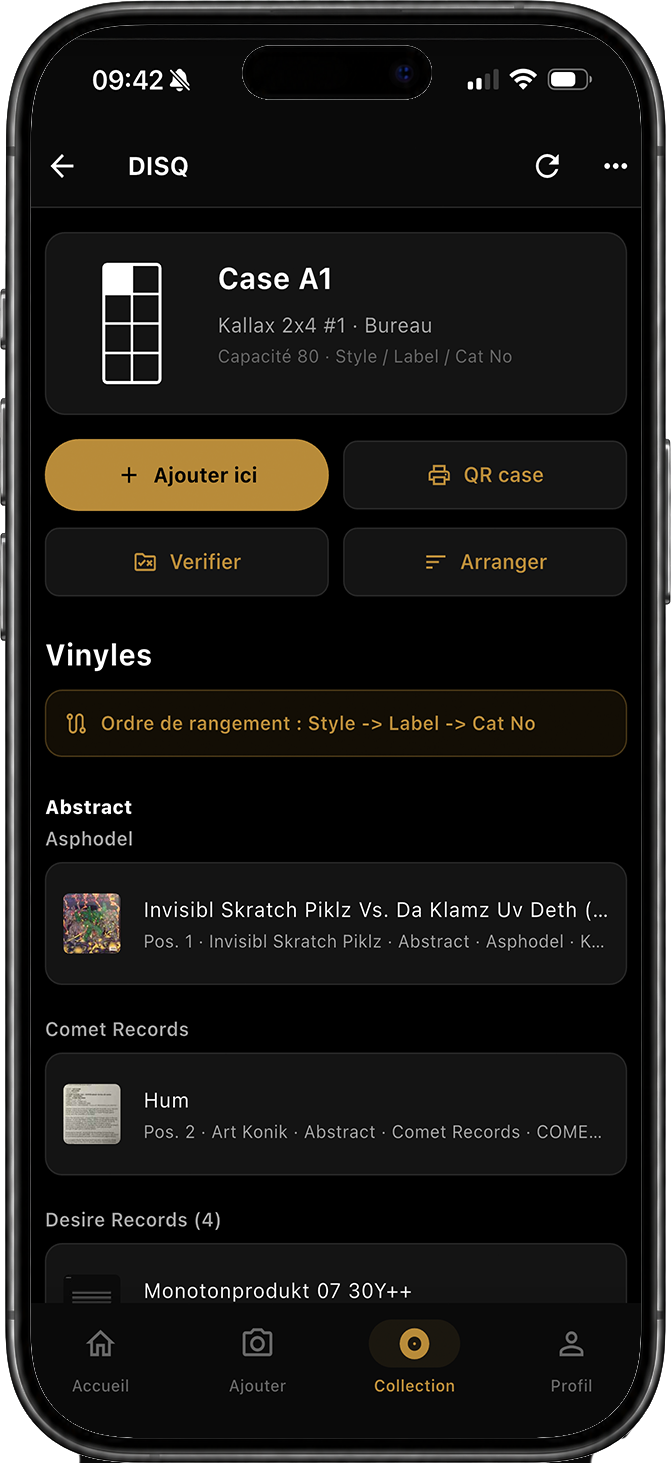
Selection
A matte black interface lets the collection carry the light. Artwork remains central, without unnecessary chrome.

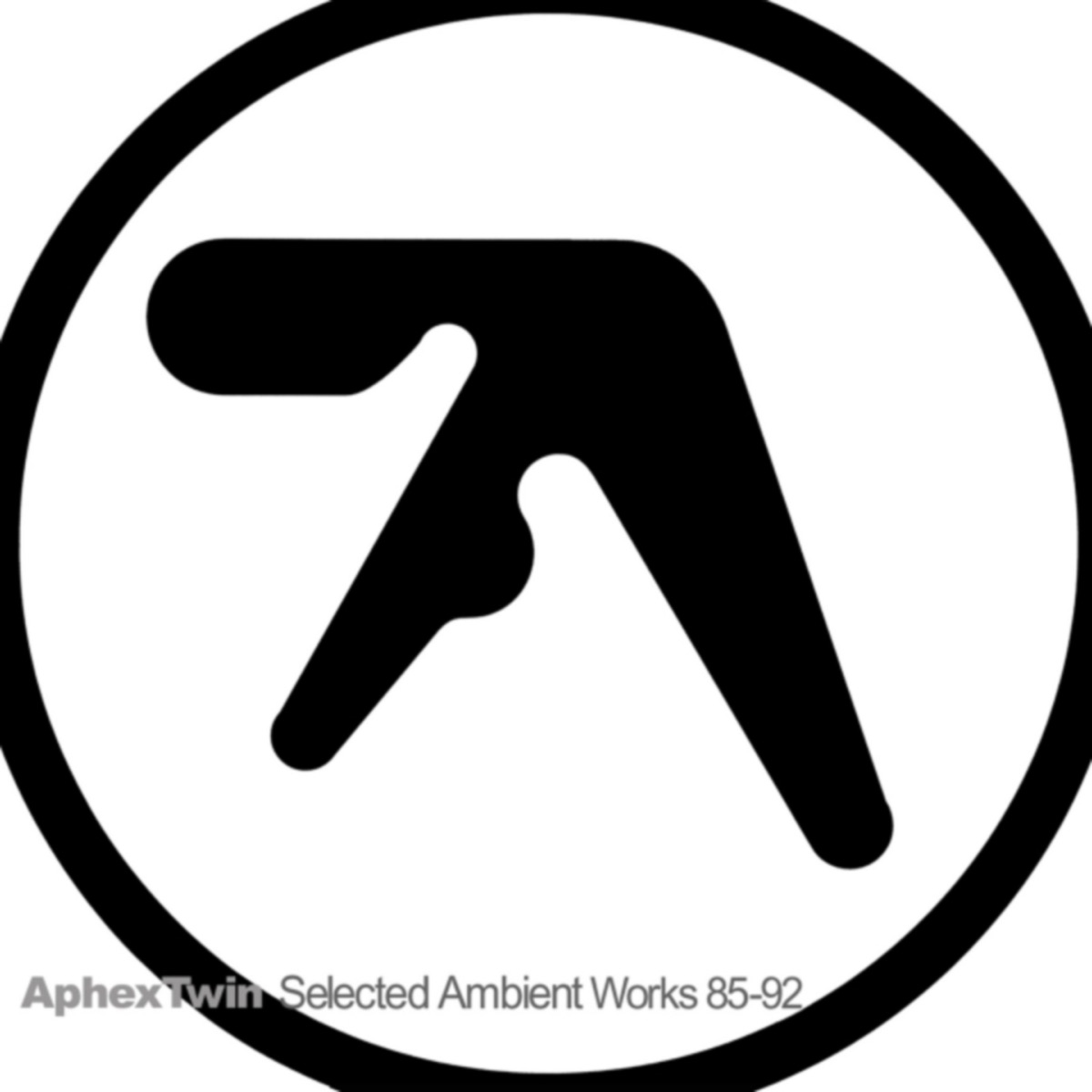
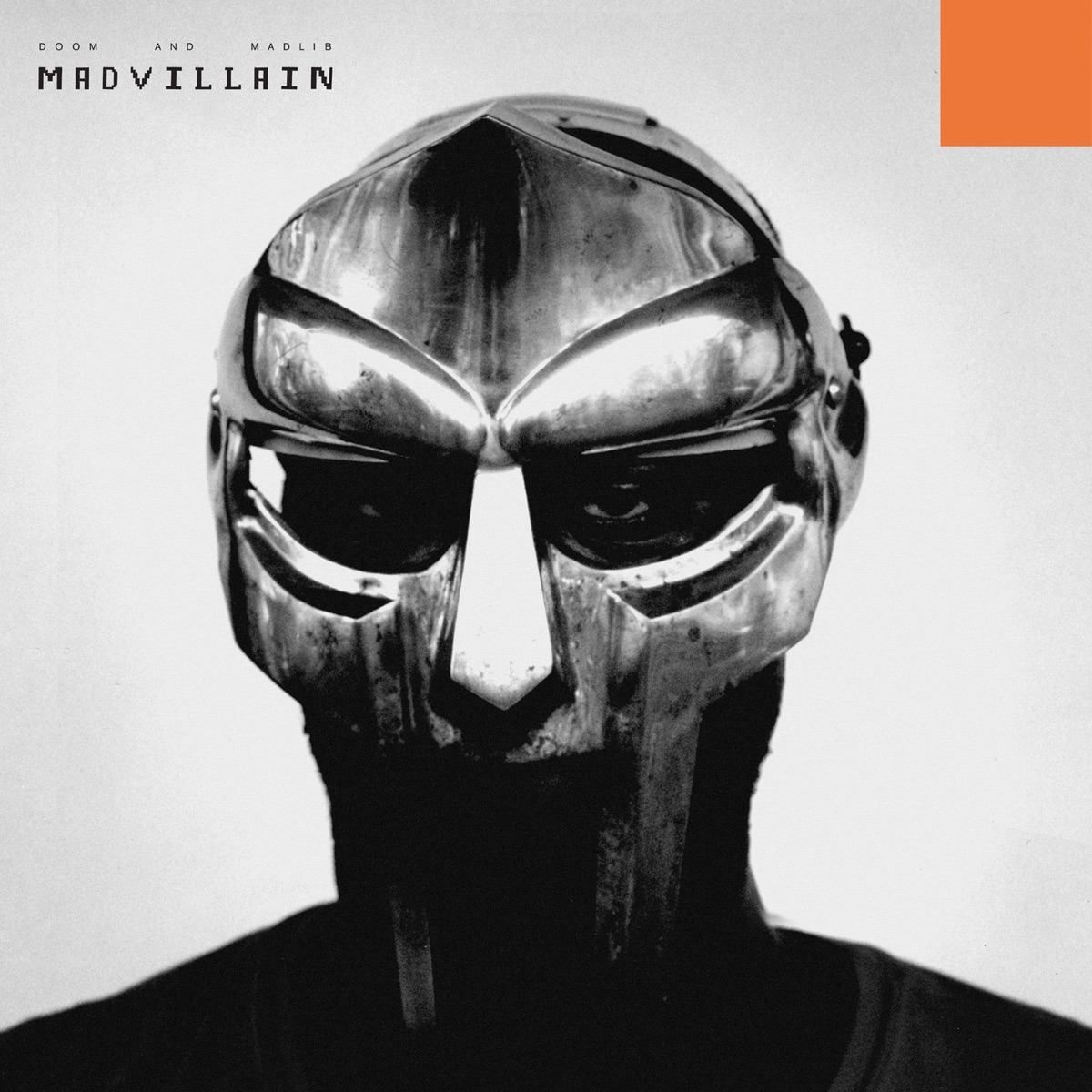

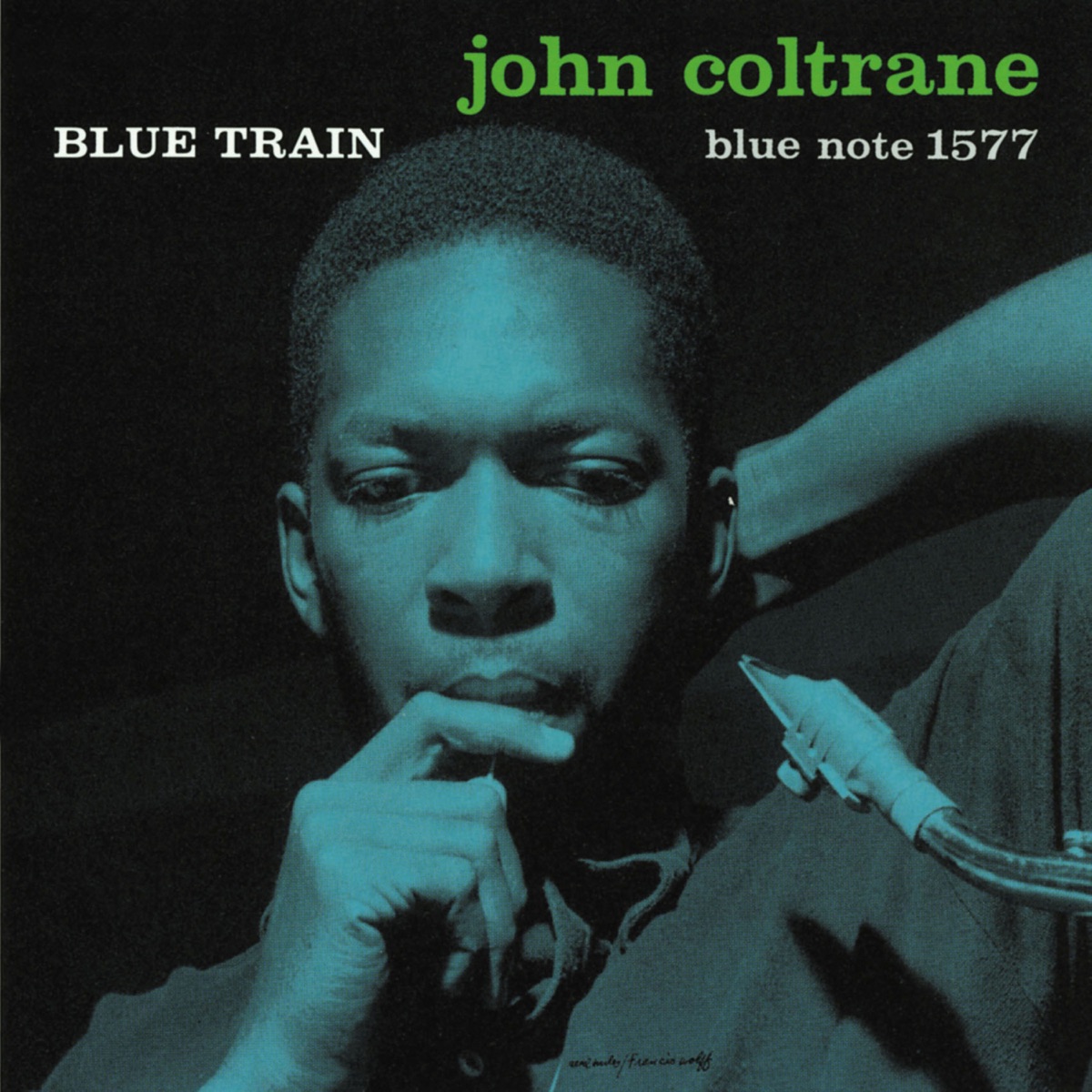
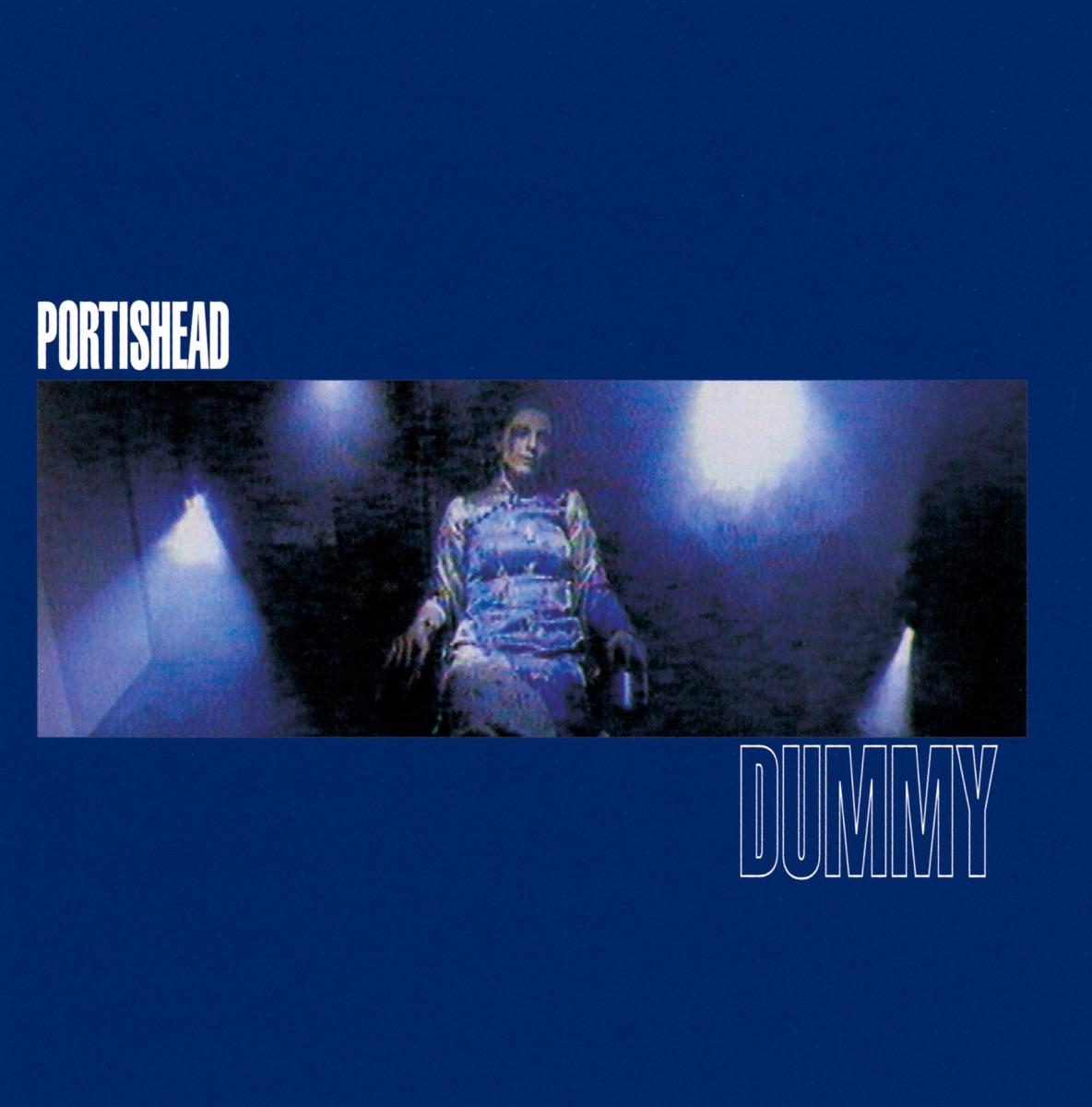
At the record shop or at home, keep your bearings and a copy of your catalog.
Browse your last cached collection after syncing. AI scanning, fresh prices and synchronization need an internet connection.
Export your collection from your profile to browse and share it in a spreadsheet.
In preparation
DISQ is being prepared for iOS. Public downloads and automatic beta sign-ups are not open yet.
iOS
Public access coming later
No release date has been announced yet.
Ask about testingTell us your phone model and collection size. An email enquiry does not guarantee beta access.
FAQ